
Oneida County VINE Arrest Coverage
Wisconsin DOC runs VINE County Jails in cooperation with local law enforcement across the state. Anyone can search custody status anonymously. Registration for release and other custody notices is free too. The state service supports English, Spanish, and Hmong. The Oneida Sheriff links to VINE from its resources page. That link is the county's public custody route. The Sheriff publishes no roster of its own. Searching and registering stay separate, so you can check a status without creating an alert. VINE answers one narrow question. It reports the facility and custody state a matching record shows. It does not list every past Oneida arrest or replace the source booking record. It publishes no booking photograph. It does not verify an active warrant. Nor does it give the final court outcome. Those jobs belong to Support Services, the Sheriff's warrant path, and WCCA. The Sheriff's resource page shows the local doorway into the statewide system.
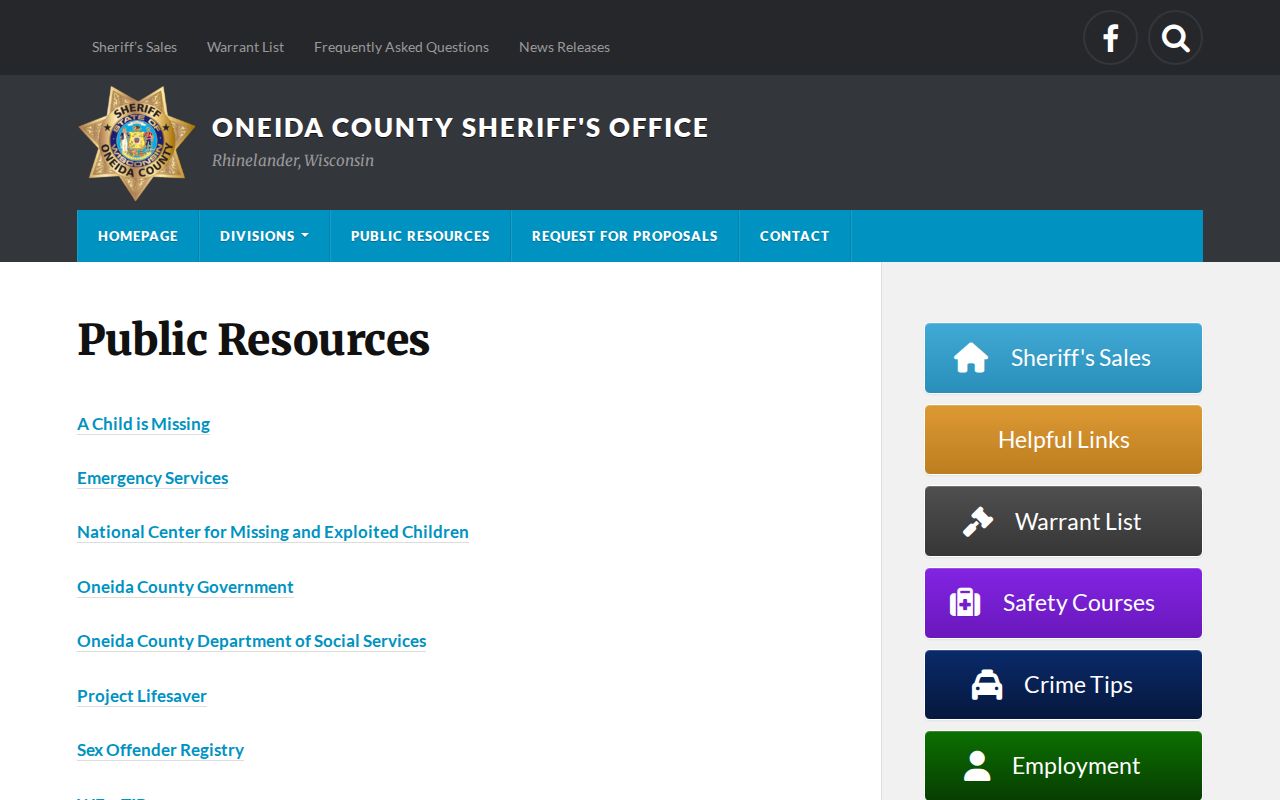
The routing matters. Unrelated Oneida County VINE tools from other states do not cover Wisconsin custody.
Search Oneida Arrest Custody
Start with a full last name plus at least a first initial. That combination cuts down on mistaken matches in Oneida custody results. An offender identifier works even better when you already know the record. The live form decides which search fields appear, so check there for the exact options.
- Open VINELink Wisconsin and choose the search-and-register flow.
- Select Wisconsin and, when offered, the county or facility that fits the known arrest.
- Enter the person’s last name, first initial or full first name, and any reliable ID. Try reasonable spelling variants if the first search fails.
- Compare all matches. Read the facility, custody label, and identifying data rather than selecting a name alone.
- Open the details for the correct record. Register only after checking that the record represents the intended person and custody system.
The neutral VINELink landing screen is captured below.
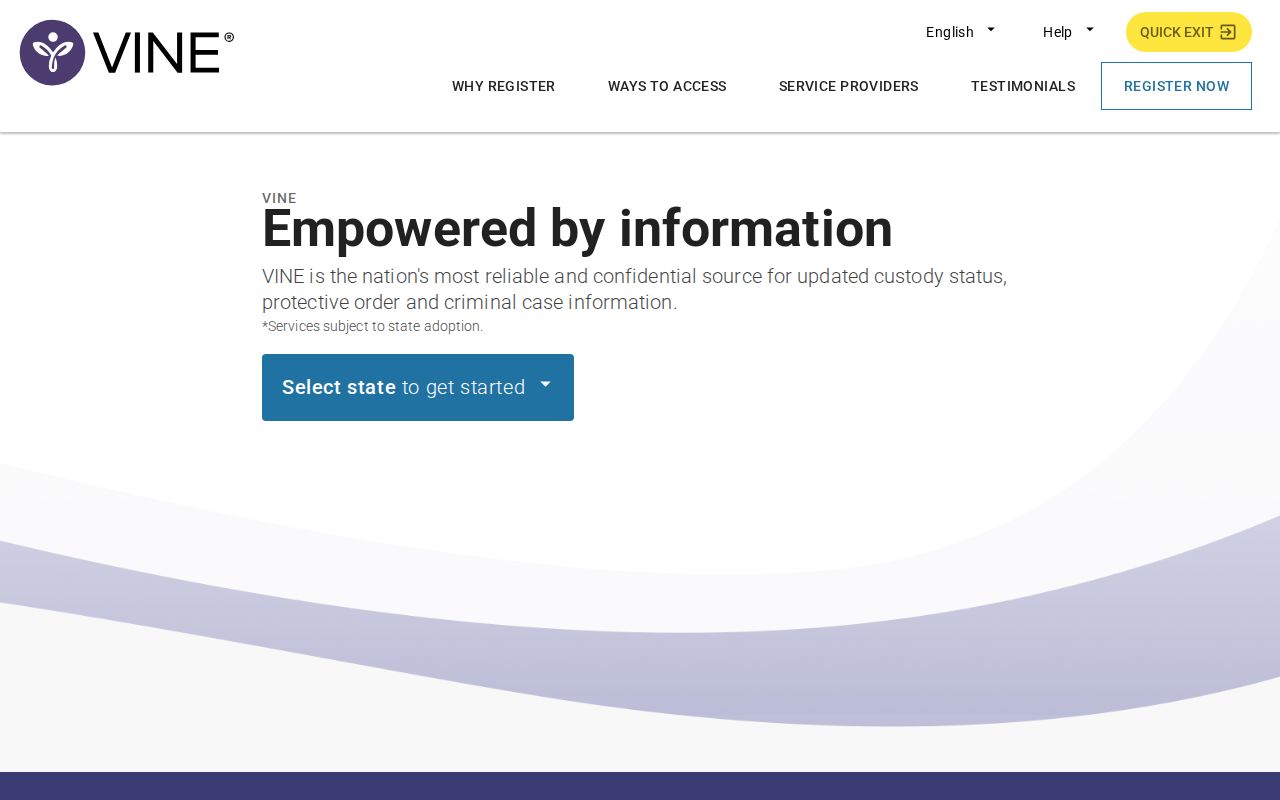
Pick Wisconsin on the national landing page first.
What Oneida VINE Results Mean
A VINE result is a current or recent custody record, when one exists. Read the labels literally. Read them with their dates. The same person can hold a DOC or community-supervision record alongside a county-jail record, and the two entries may describe different pieces of one legal status.
| Result element | How to use it |
|---|---|
| Name and identifier | Compare identity; do not rely on the name alone |
| Facility or agency | Distinguish Oneida County Jail from Wisconsin DOC or another county |
| Custody status | Read the current label and the time context shown |
| Release or transfer event | Treat it as a custody change, not a court disposition |
| Registration option | Choose a supported notice method for the matched record |
| Missing photograph | Expected; VINE is not Oneida’s booking-photo archive |
Supervision and jail can show up as separate records. One does not erase the other. A community-supervision entry speaks to DOC status. A jail entry speaks to local confinement, and any confusing result should be confirmed with the agency named on it.
Register for Oneida Custody Alerts
Registration starts from a specific result. A general name search is not the entry point. From the right record, pick a method that record exposes, such as telephone, email, or another displayed option. Your contact details must be accurate, or the notice cannot reach you.
- Open the verified person’s result and choose the notification or registration control.
- Select the type of custody change offered, such as release or transfer, and choose a delivery method.
- Enter the telephone number, email address, or other requested destination and complete any confirmation.
- For telephone registration, create the four-digit PIN requested by the system. Keep it private and available to acknowledge a call.
- Follow the current on-screen prompt for acknowledgement, retries, changes, or cancellation.
The Wisconsin-specific interface and registration flow is represented by the captured source.
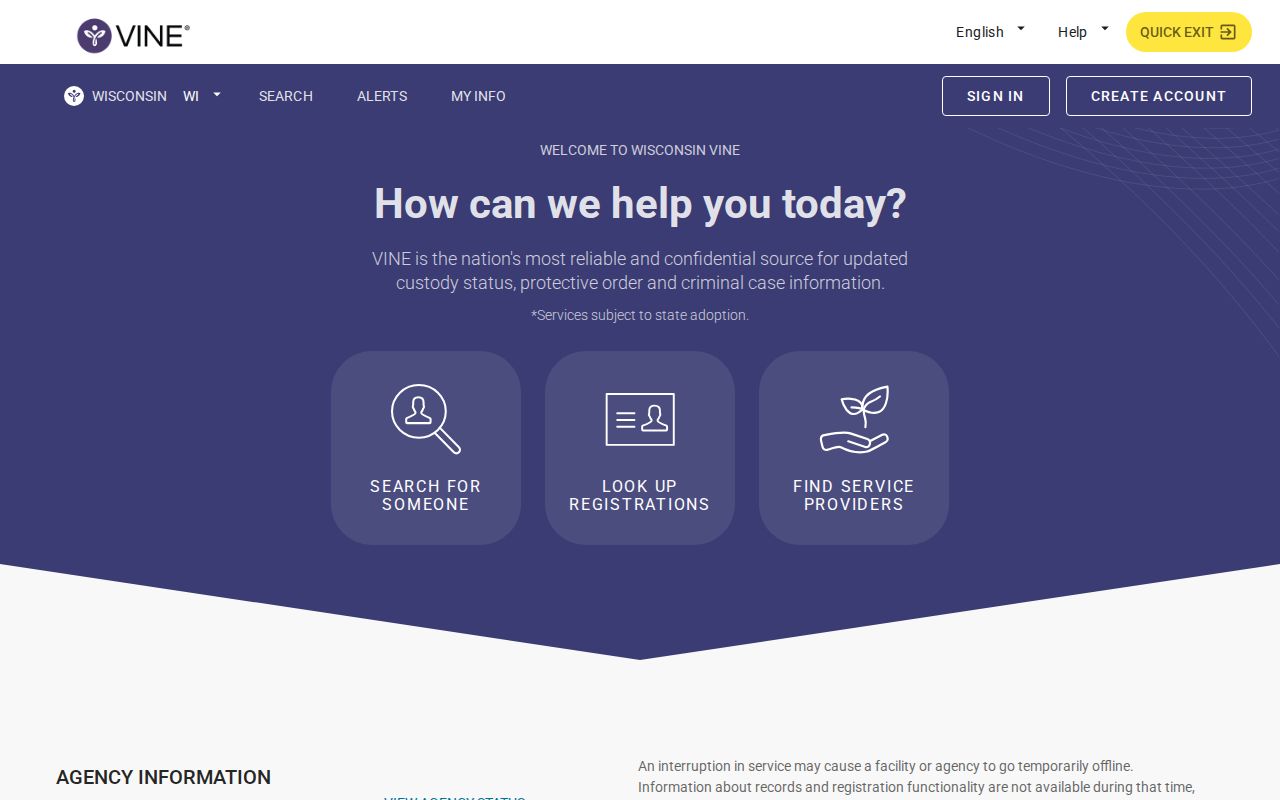
The live interface sets the current options, so follow its wording instead of an old handout.
Oneida VINE Telephone Discrepancy
The two official pages disagree on the phone number. Wisconsin DOC's current VINE page lists 1-888-WI-4-VINE, which is 1-888-944-8463. The Oneida Sheriff resources page shows a different toll-free number, 888-868-4631. Treat them as distinct, not interchangeable. Verify the active Wisconsin number before registering. Check the current DOC page or the live VINELink interface. DOC posts program support at 608-240-5888, 1-800-947-5777, and docovspadmin@wisconsin.gov. The state page says notification calls continue for 48 hours or until a telephone PIN is entered; an older victim-rights source said 24. The live state instructions control. This gap is why dated source links matter.
Don't publish both toll-free numbers as equals. Verify the active Wisconsin VINE number on the current state page first.
Fresh Oneida Arrests May Lag
VINE is Oneida County's best public operational channel for custody. It sits downstream from the arrest itself. A person can be in processing before any searchable record appears. Other things also explain a failed search. Think of a name spelled oddly. A transfer between counties, a quick release, a state hold, or federal jurisdiction also explain it. When a known fresh arrest returns nothing, use the Oneida County same-day fallback. Try spelling variants first. Then call Oneida County Jail at 715-361-5180, and ask Support Services for the source record if you need documentation. Skip commercial mugshot pages for urgent custody questions.
A negative search proves nothing. It does not rule out a past booking, release, or a pending court case.
VINE Does Not Show Mugshots
The Oneida Sheriff holds booking photographs. Neither the county site nor VINE posts a gallery. Ask Support Services in writing. Include the person's name. Add the approximate booking date and the arresting agency if known. Request the photo as its own record and confirm the format and any fee. State custody works differently. If a person enters Wisconsin DOC custody, the DOC Person in Our Care profile may show an agency image. That image belongs to the state system, not the original Oneida booking photo. DOC's public-record portal is the fallback when a state-held image is not displayed. A photo captures appearance at intake only, so pair it with a dated source record.
Custody Systems VINE Cannot Replace
VINE does not reach every custody system. It has no federal BOP coverage and cannot serve as the ICE detainee locator. For federal inmates held since 1982, the Bureau of Prisons runs its own locator. ICE offers a separate tool for current immigration detention. It covers certain recent CBP custody too. It cannot search records for anyone under 18. The U.S. Marshals Service oversees federal pretrial detention, yet it publishes no county-style public roster of who is in custody.
VINE also does not replace WCCA. Custody data tells you where a person is held and whether a custody change got reported. A court record tells a different story. It covers what was filed, which hearings occurred, and how the case ended. Since an arrest charge can be amended or dismissed, read the two systems together.
Oneida County visitors should also remember that VINE is not the warrant list. The Oneida Sheriff links a dated PDF for warrants. That document still needs a phone call to verify. A warrant entry does not mean jail custody, and a VINE result does not rule out a warrant.
Protect an Alert Registration
Protect an alert registration with care. Use contact details the recipient actually controls, and keep the telephone PIN confidential. Check the current service instructions for how to change or stop alerts. Wisconsin DOC victim-services staff can explain how the program works when safety planning is involved. Any emergency danger belongs with 911, full stop.
Alerts can fail for simple reasons. A phone gets blocked, an email lands in spam, or contact details go stale. Data can also arrive late. Never let personal safety rest on one automated message. Keep the jail, court, and victim-services contacts at hand. Verify any critical custody change directly.